Kling Motion & Kling Motion Control — Motion-Driven AI Video Generation for Short-Form Content
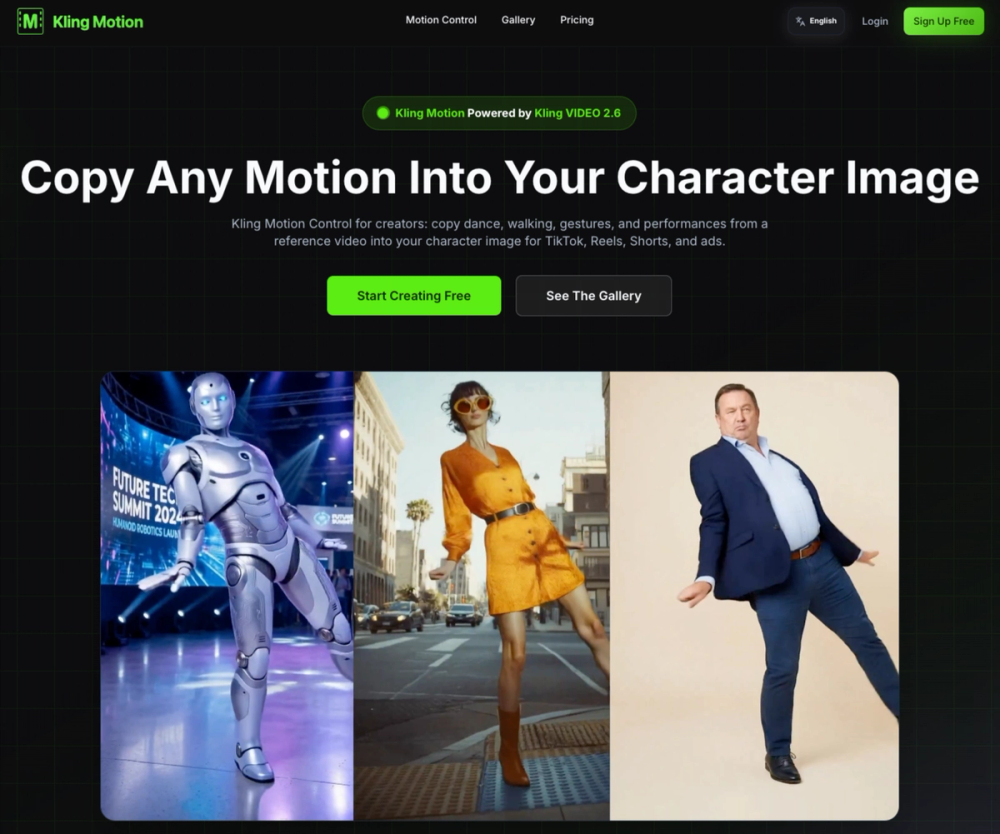
Kling Motion is an AI-powered motion transfer tool built on Kling VIDEO 2.6, designed to turn static character images into high-quality, motion-driven videos. By copying motion from a reference video (such as dancing, walking, gestures, or performance clips) into your character image, Kling Motion makes it easy to create TikTok, Reels, Shorts, and ad creatives that look dynamic and professional — without manual animation.
Kling Motion Control adds an extra layer of precision on top of Kling VIDEO 2.6. It “locks in” the motion from the reference first, then lets you customize the scene, background, lighting, and style with text prompts, giving creators a controllable and repeatable AI video workflow instead of ‘prompt lottery’.
Key Features
-
Motion Copy from Reference Video
Copy real human motion (dance, walk cycles, acting, gestures) from a 3–30 second reference clip directly into your character image, with realistic timing and pacing. -
Powered by Kling VIDEO 2.6
Built on Kling VIDEO 2.6 for more stable, commercial-ready video quality, improved consistency, and fewer artifacts compared to generic text-to-video tools. -
Character-Preserving Animation
Maintain your character’s design, face, and overall look while transferring motion, ideal for creators who care about style consistency and brand identity. -
Prompt-Controlled Background & Style
Use text prompts to control background, lighting, atmosphere, and visual style while keeping the transferred motion intact. -
Up to 30 Seconds of Motion
Generate motion-controlled videos up to 30 seconds, suitable for TikTok, Instagram Reels, YouTube Shorts, and performance clips. -
High Success Rate & Reduced Jitter
Kling Motion Control is optimized to reduce face drift, weird hands, and motion jitter, delivering more usable, “post-ready” outputs with fewer retries. -
Template-Based Workflow
Start from community motion templates or upload your own reference videos, then reuse the same motion across multiple character images. -
Commercial Use Included
Start free with 5 credits, no credit card required. Commercial rights are included, so you can safely use generated clips in ads and branded content.